Uninstalling Guide Channels on Patriot Gen II
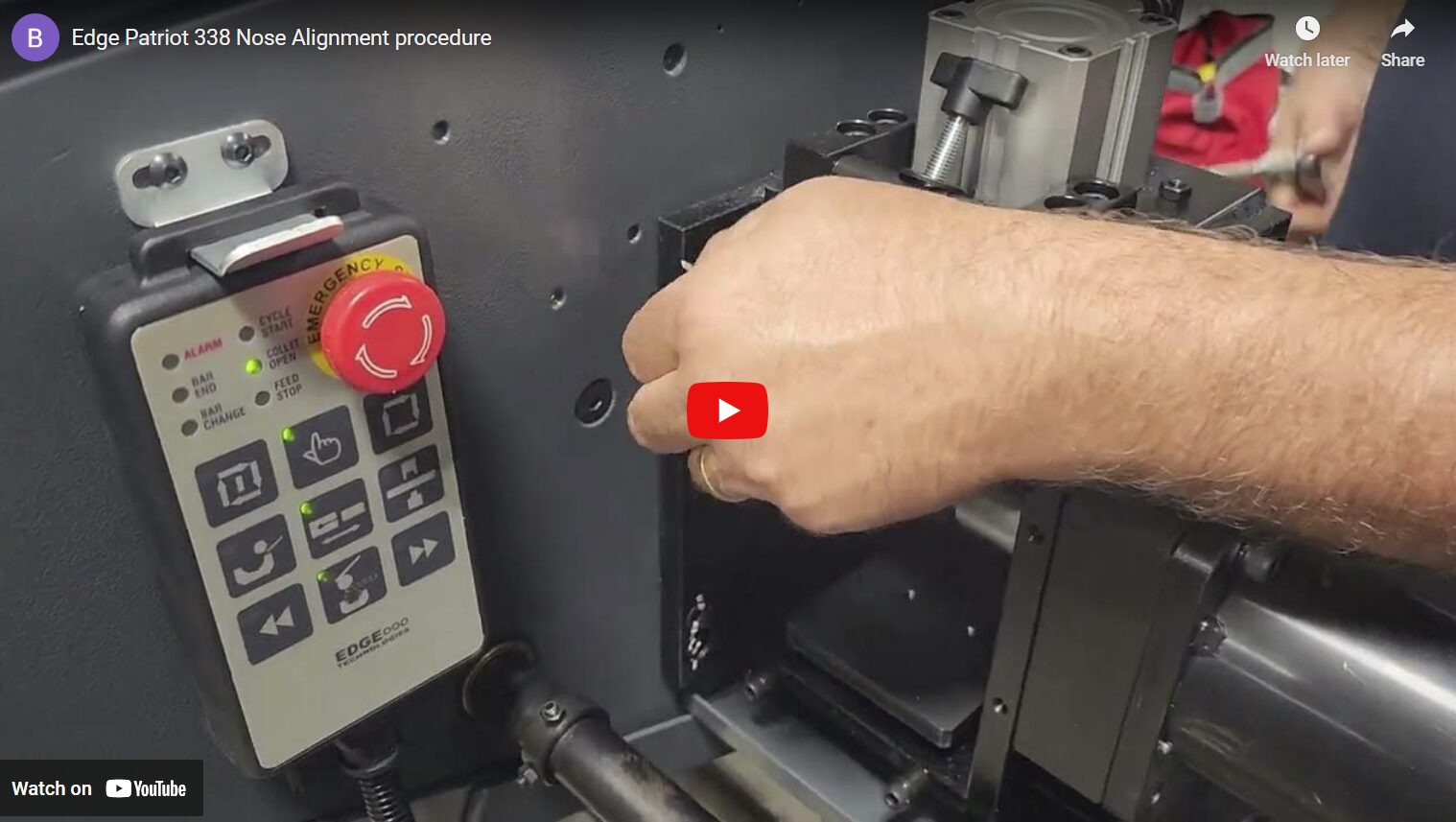
Here, we demonstrate how to uninstall guide channels on an Edge Technologies Patriot Gen II.
Transcript for Uninstalling Guide Channels on Patriot Gen II:
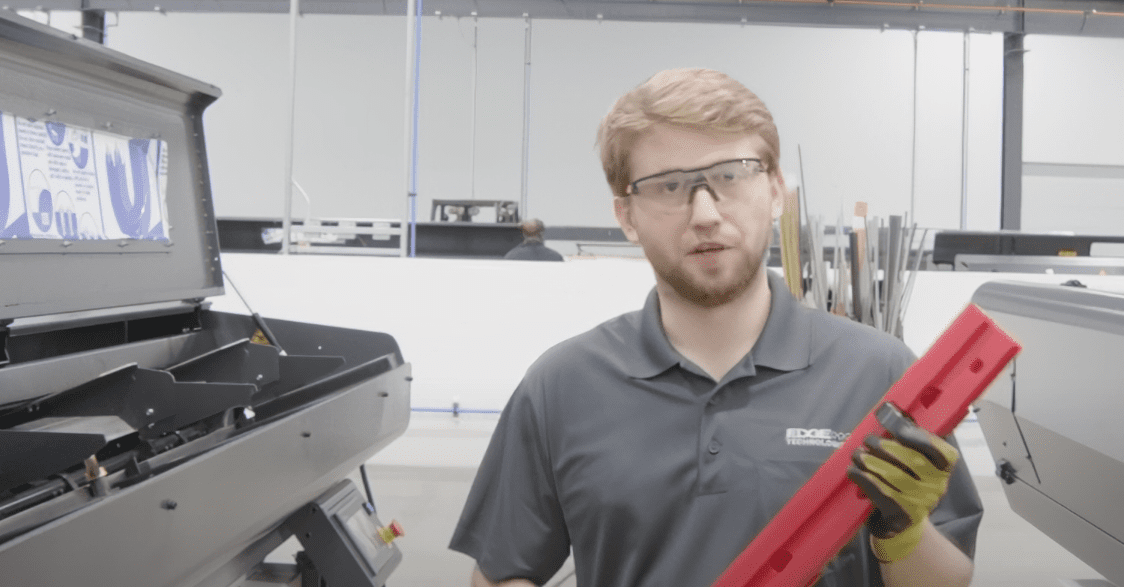
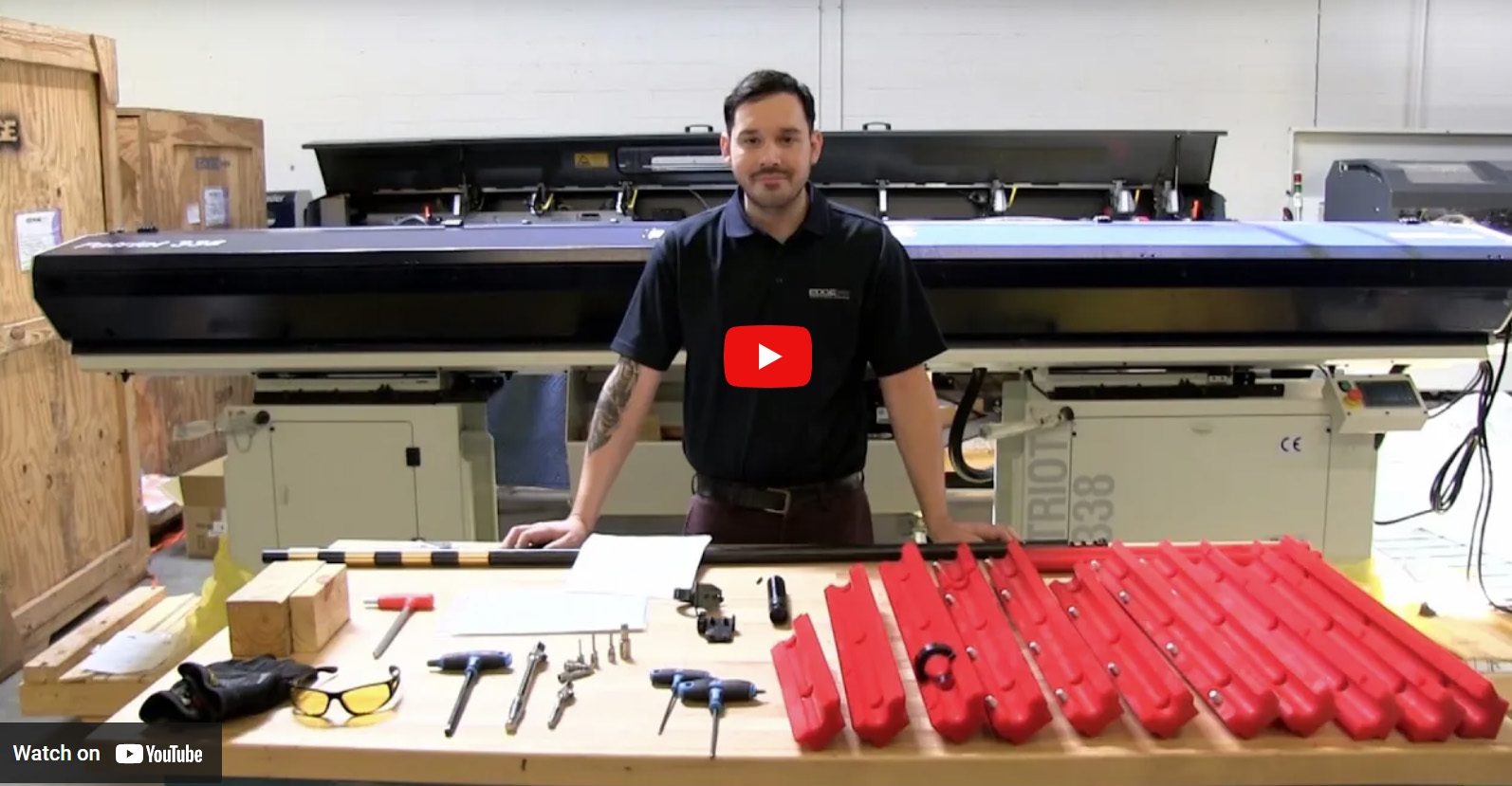
Hello, my name is Kyle Terbrock with Edge Technologies. Today I’m going to show you how to do a changeover for a Patriot Gen 2. As for tools, it’s very simple. We need a 4 mm, a 5 mm Allen key socket along with the ratchet. And then you’ll need your PPE. In my case, gloves and glasses. To start, the machine will have to be on air and have power. First, we’re going to move the pusher bar past the gripper so we can safely remove it.
Once the pusher bar is past the gripper, we’re going to remove air for safety reasons.
Air is now off. Now that we took the air off, we’re going to check the channel for tension. If there is tension, we’re going to remove the locking bar from the back.
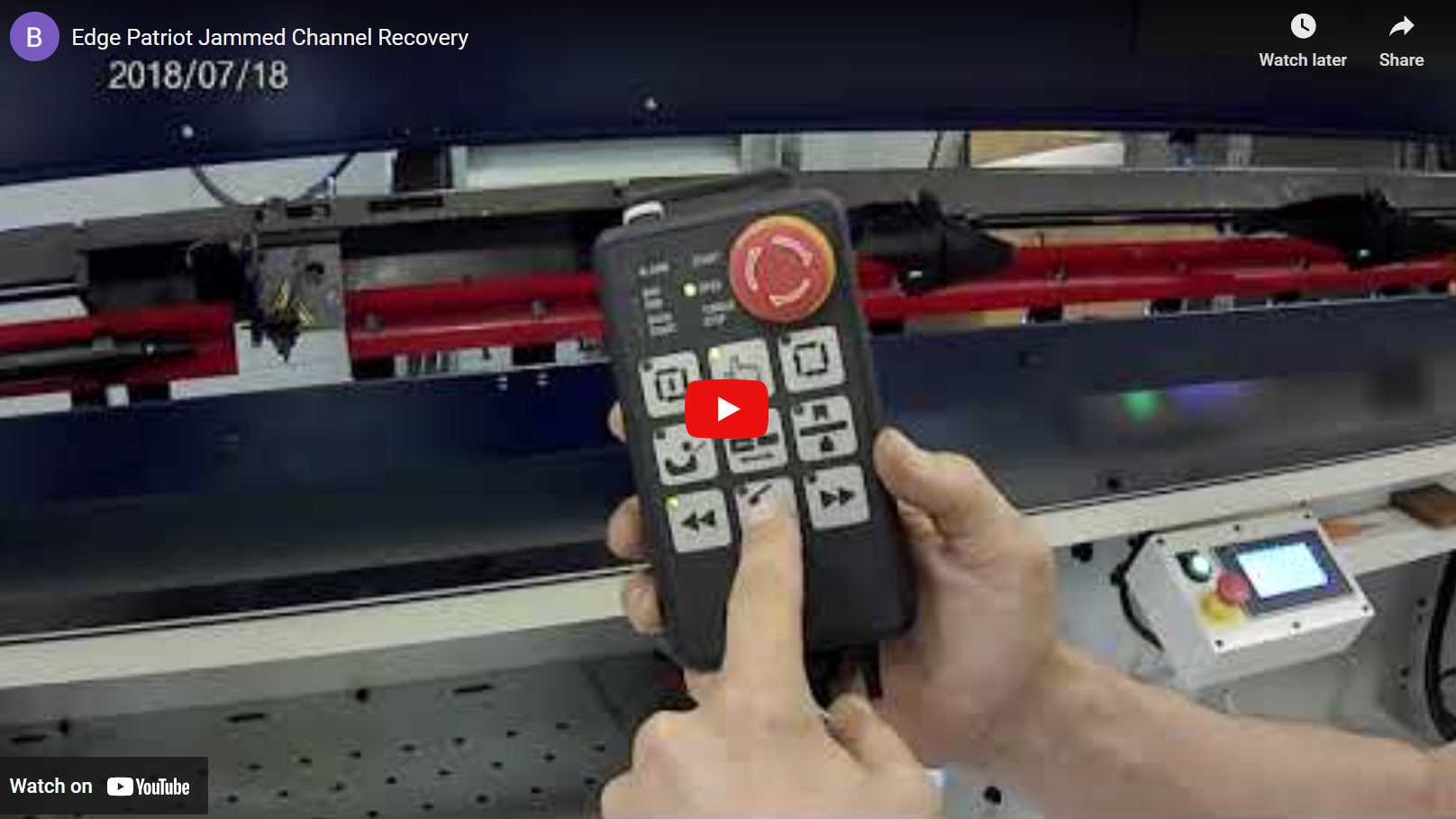
The locking bar is out of the way. We can now lift the channel. If the channel is too oily to open manually, you can put the air back on. We can push your bar 20″ past the gripper and then press this button.
For the next step, we will remove the pusher bar.
There are many different ways to remove the channel from here, but we’re going to start with the short feed.
Short feed has now been removed. We can now move on to the channel. In the beginning, we’re going to move this channel halfway down. It gives us enough room to move this locking mechanism.
So now from here we can slide the channel pieces out.
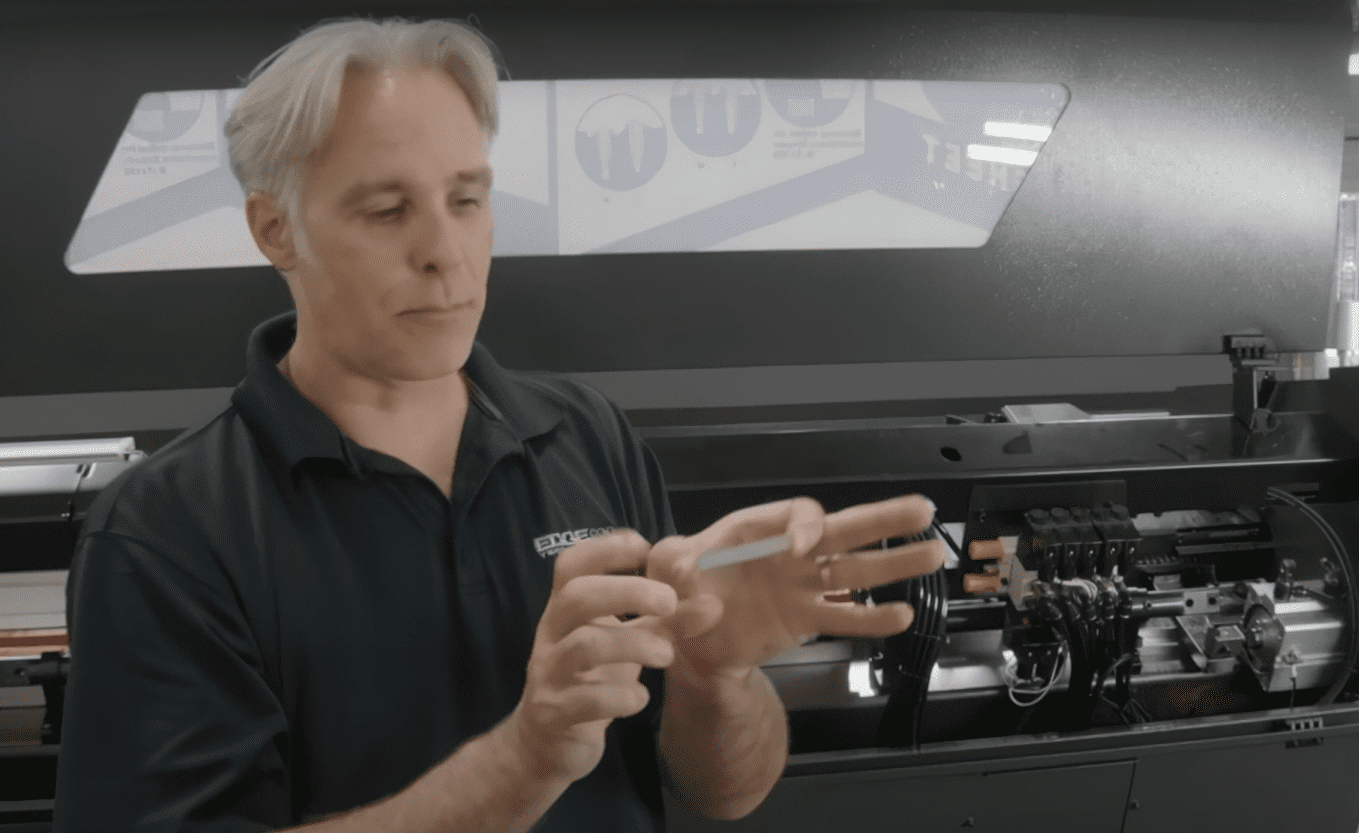
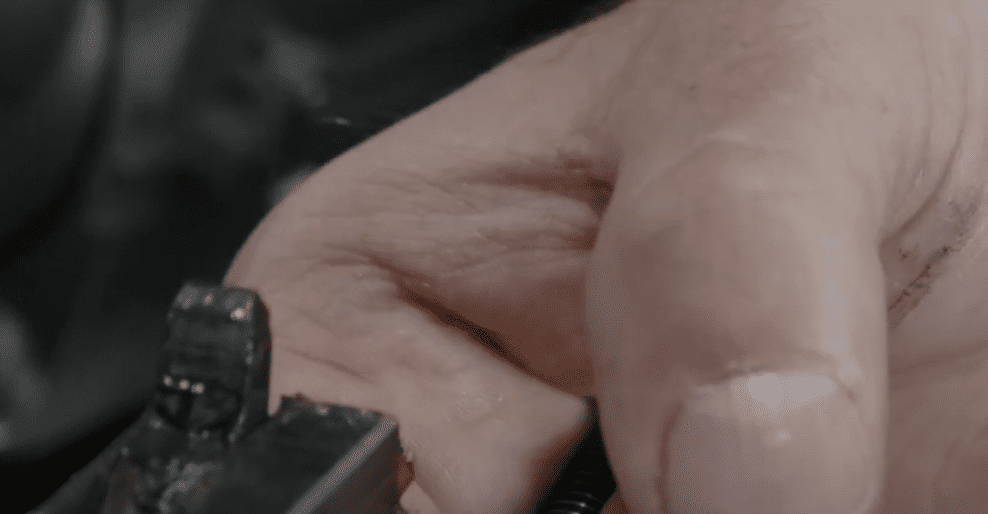
Okay, I’m going to remove the lock pin. Now it’s right here in front of the channel. If the locking pin is really tight, you can use an Allen key to get it out.
With the locking pin out of the way, we can now remove the channels from the front to back.
We’re now working with the rear lower channel. You’re going to need your 5 mm Allen socket key. And we’re going to take the bolts out of the home position.
Rear channel is now removed.
The last thing to do would be to remove the hanger from the back. To remove the hanger, we’ll first lower the channel and then turn this knob.
Congratulations, you have completed a channel removal. Follow us for more hints. And if you have any suggestions for the next video, please let us know.