
Why Is My Bar Not Reading on My Rebel Short Loader?
Transcript for Why Is My Bar Not Reading on My Rebel Short Loader:
More Videos
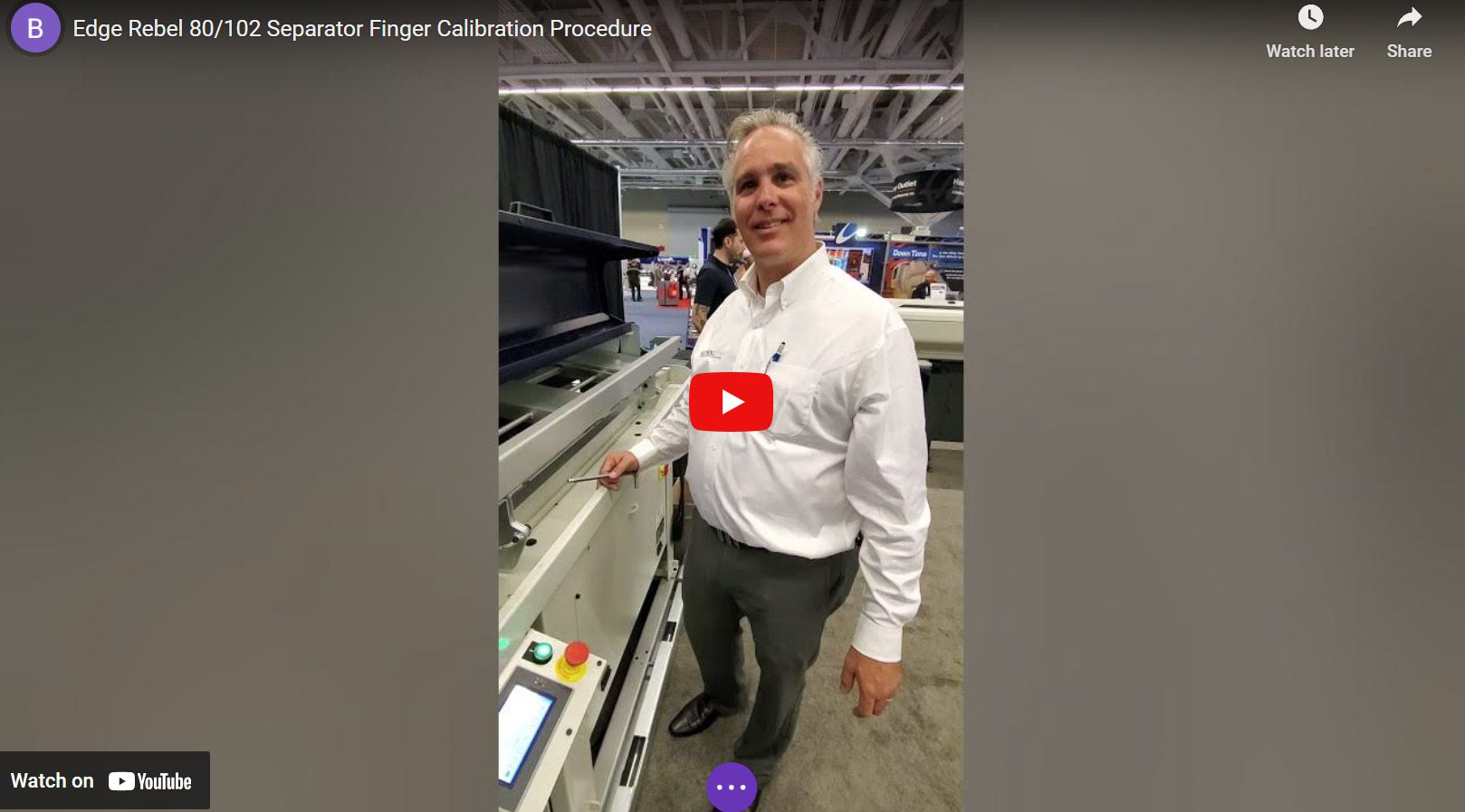
Edge Rebel 80/102 Separator Finger Calibration Procedure
In this video, Regional Service Manager Brian Grisez documents the procedure for the software calibration of the separation fingers for the Edge Rebel 80 or Rebel 102....

Edge Technologies Rebel 80 v3 Calibration
This is a video instruction for calibrating the separation fingers and v-tray position on Edge Technologies new Rebel 80 V3 Loader. This is a technical instruction...

Rebel 102 Spindle Liner Change
"I would love to add a barfeeder to my lathe, but I machine so many different stock diameters. I can't dedicate all day to set-up..." The Edge Rebel Series loaders make...
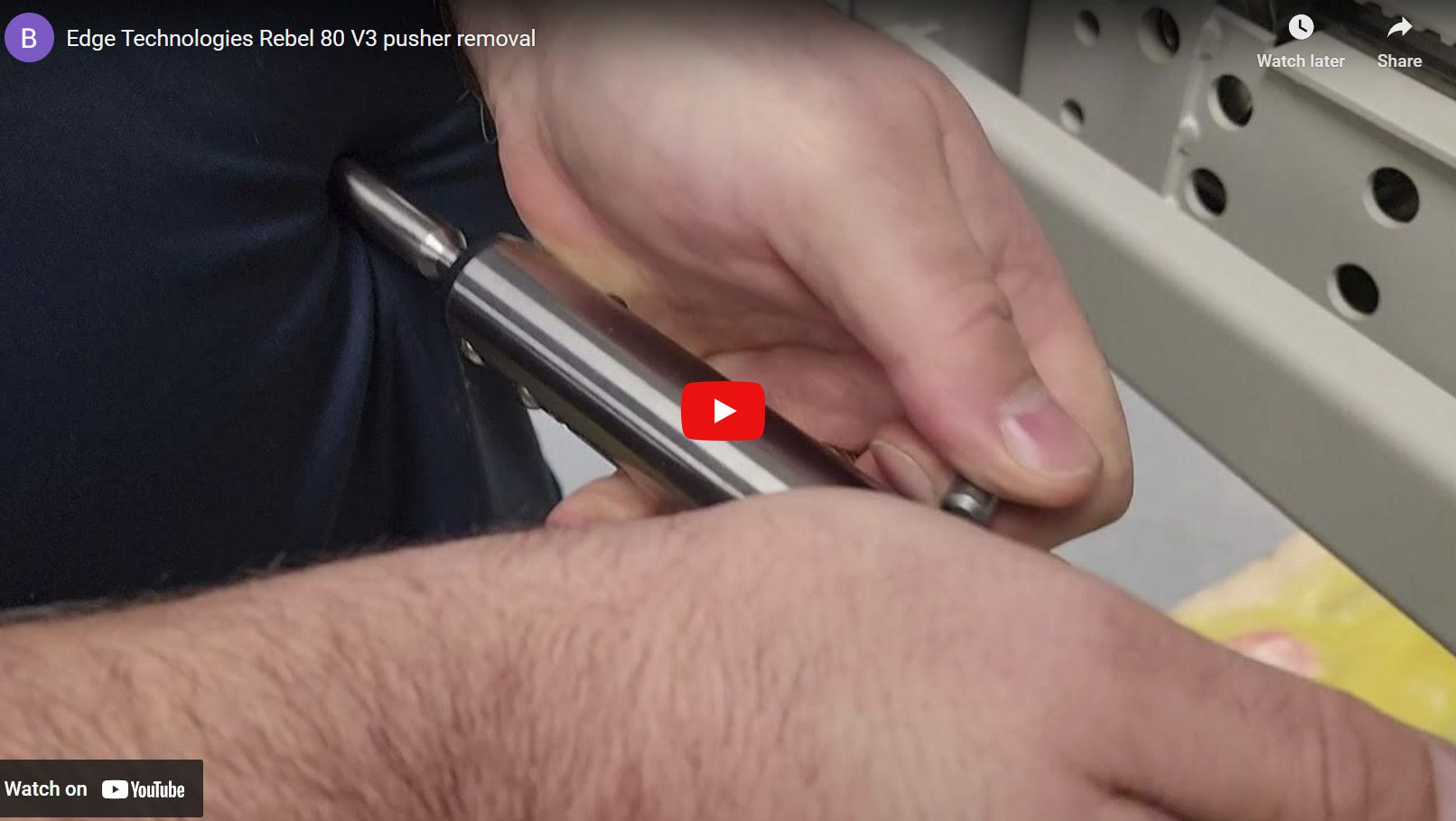
Edge Technologies Rebel 80 v3 Pusher Removal
In this video, Regional Service Manager Brian Grisez goes over some of the circumstances in which you might need to remove the pusher from an Edge Technologies Rebel 80...

Edge Rebel V65 Eco Critical Parameter Settings
In this video, Regional Service Manager Brian Grisez walks through how to set two critical parameters on an Edge Rebel V65 Eco machine. He also describes the symptoms...